Saltar a contenido
View in the app

A better way to browse. Learn more.

Escorts VIP Santiago | SectorVIP

A full-screen app on your home screen with push notifications, badges and more.

To install this app on iOS and iPadOS
  1. Tap the Share icon in Safari
  2. Scroll the menu and tap Add to Home Screen.
  3. Tap Add in the top-right corner.
To install this app on Android
  1. Tap the 3-dot menu (⋮) in the top-right corner of the browser.
  2. Tap Add to Home screen or Install app.
  3. Confirm by tapping Install.

Karly3399

Escort
  • Debutó

  • Última visita

Todo lo publicado por Karly3399

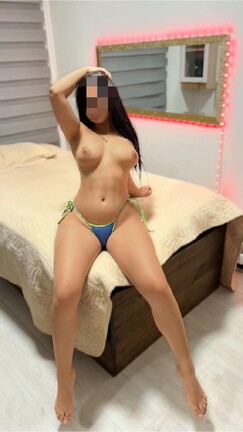
  1. Amor Te invito a conocernos y disfrutar de un rico DUAL con dos chilenas lindas y calientes 🍑🇨🇱 🔥 🔥 👅 @Fransua3491
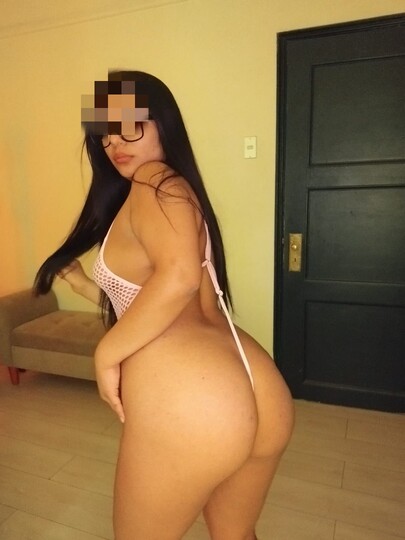
  2. Horas disponibles amor 😈😈🥶💫 ven a disfrutar de un rato agrabable😈😈 tengo regalito
  3. Horas disponibles amor 😈😈🥶💫 ven a disfrutar de un rato agrabable😈😈 tengo regalito
  4. Amor Te invito a conocernos y disfrutar de un rico DUAL con dos chilenas lindas y calientes 🍑🇨🇱 🔥 🔥 👅 @Fransua3491
  5. Estoy de regreso amores 😈😈🔥 aprovecha y agenda tu hora
  6. Horas disponibles amor 😈😈🥶💫 ven a disfrutar de un rato agrabable😈😈 tengo regalito
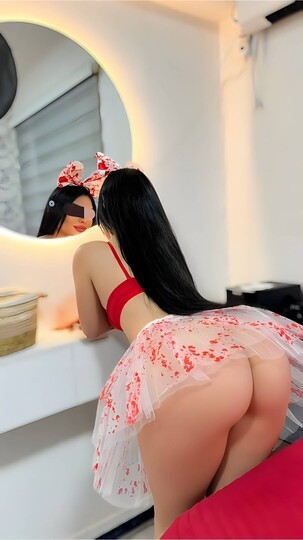
  7. Bebes😈🍑 tengo horas disponibles 💋 agenda, ven a disfrutar de esta linda musa😈😈💋
  8. Clima para calentarte con una linda musa😈😈🥶 tengo regalito ducha hot😈😈🍑
  9. Bebes😈🍑 tengo horas disponibles 💋 agenda, ven a disfrutar de esta linda musa😈😈💋
  10. Lunes 😈🍑 frio🥶 ven y pasa un rico día conmigo 😈😈💋 VID-20260406-WA0000.mp4
  11. Bebes😈🍑 tengo horas disponibles 💋 agenda
  12. Tengo horitas disponibles hasta las 20hrs ven con tu teen 💥🍑
  13. Miércoles hot😈😈💋 ven a pasar un buen rato con migo amor 😈😈😈😈
  14. Calientate con esta linda TENN 🍑😈 ven y disfruta de este cuerpaso 😈😈 VID-20260406-WA0000.mp4
  15. Clima perfecto 😈🍑 para calentarte amores 😍💋 agenda tu hora

Cuenta

Menu

Buscar

Buscar

Configure browser push notifications

Chrome (Android)
  1. Tap the lock icon next to the address bar.
  2. Tap Permissions → Notifications.
  3. Adjust your preference.
Chrome (Desktop)
  1. Click the padlock icon in the address bar.
  2. Select Site settings.
  3. Find Notifications and adjust your preference.