Saltar a contenido
View in the app

A better way to browse. Learn more.

Escorts VIP Santiago | SectorVIP

A full-screen app on your home screen with push notifications, badges and more.

To install this app on iOS and iPadOS
  1. Tap the Share icon in Safari
  2. Scroll the menu and tap Add to Home Screen.
  3. Tap Add in the top-right corner.
To install this app on Android
  1. Tap the 3-dot menu (⋮) in the top-right corner of the browser.
  2. Tap Add to Home screen or Install app.
  3. Confirm by tapping Install.

Persefone2642

Escort
  • Debutó

  • Última visita

Todo lo publicado por Persefone2642

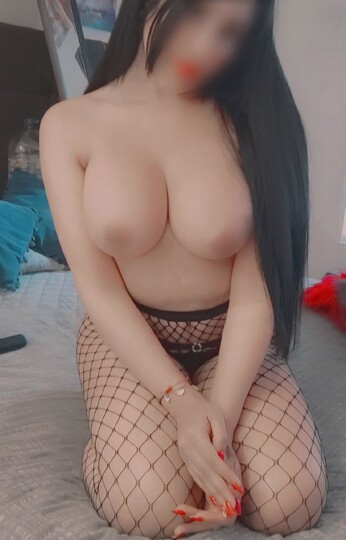
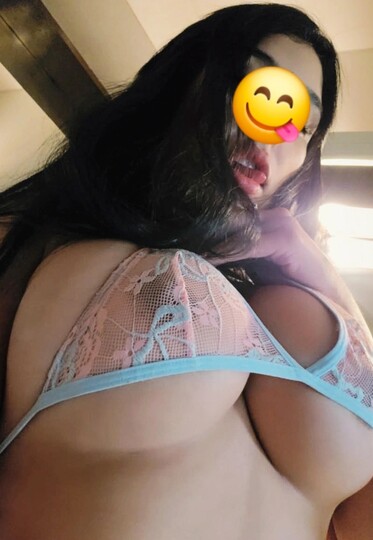
  1. Mis bss esta semana estaré full time trabajando 🩷 con vestidos, lenceria fina y disfraces te estaré esperando 🔥😘 “Déjate llevar y disfruta de una compañía realmente exclusiva.” 🌹
  2. Yap disponible 😘 15:00 - 16:00 disponible 😘
  3. Mis bbs feliz martes 💖 estaré disponible solo un ratito 😘 ven por tu rica rusa 🍆🔥 VID_20260310_074850_589.mp4
  4. DISPONIBLE YA 💋 hoy sabado full time 🔥rico dia para hacer full sexo oral 🍆😋 escríbeme 😘
  5. Disponible hoy amores ❤️ mañana viernes solamente Am hasta las 14 hrs. Metro manuel montt 💕 Snapchat-93295468.mp4
  6. Disponible ya 😘 hoy voy estar toda la tarde mis amores 😋😽
  7. Disponible viernes ✅️ pasemos un rica tarde😋 americana, rusa , facefuck 🍆😋
  8. He vuelto ❤️ ya disponible full time hoy jueves 😋 metro manuel montt
  9. Disponible sabado bien hot 🫦😋 metro manuel montt 📍 providencia.
  10. 21 y 22 hrs disponible 😘 cortesia de regalo 🎁
  11. Feliz dia de san calentin ❤️ Disponible hoy solo tres horitas 15:00, 16:00 y 18 hrs 😘 regalito solo por hoy 🎁 americana 🫦😋
  12. Viernes disponible 16:00, 17:00 , 19:30, 20:00 hrs 😘
  13. Activa mis bbs 🤭 mañaneros juntitos? Activa Am y Pm ❤️ escríbeme para mas INFO
  14. Disponible !!! 17, 18 y 19 hrs😘 VID_20260203_115954_407.mp4

Cuenta

Menu

Buscar

Buscar

Configure browser push notifications

Chrome (Android)
  1. Tap the lock icon next to the address bar.
  2. Tap Permissions → Notifications.
  3. Adjust your preference.
Chrome (Desktop)
  1. Click the padlock icon in the address bar.
  2. Select Site settings.
  3. Find Notifications and adjust your preference.