Saltar a contenido
View in the app

A better way to browse. Learn more.

Escorts VIP Santiago | SectorVIP

A full-screen app on your home screen with push notifications, badges and more.

To install this app on iOS and iPadOS
  1. Tap the Share icon in Safari
  2. Scroll the menu and tap Add to Home Screen.
  3. Tap Add in the top-right corner.
To install this app on Android
  1. Tap the 3-dot menu (⋮) in the top-right corner of the browser.
  2. Tap Add to Home screen or Install app.
  3. Confirm by tapping Install.

Trini2030

Escort
  • Debutó

  • Última visita

Todo lo publicado por Trini2030

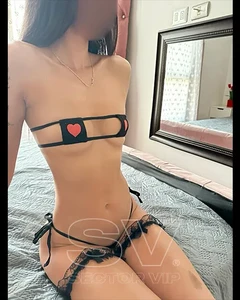
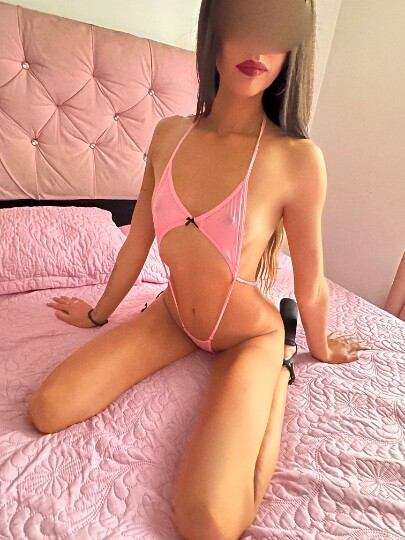
  1. Mi amor tú flaquita caliente disponible 😍 Ex lucia recordemos viejos tiempos 💋
  2. Flaquita estrecha 🔥 Recordemos tiempos de antes ven a ver lo apretadita que estoy 🥰
  3. Disponible mi vida ❤️‍🔥 Ya me encuentro en mi dpto calentito para un mañanero 💋😘 Video 🩷
  4. Flaquita caliente mi amor 😘 ven a ver cómo entra y sale 😈 Foto de recién ❤️‍🔥
  5. Un videito mi amor ❤️📸 4e9c30de-65e9-4731-9d0b-b12bf39c6239.mp4
  6. Tu flaquita caliente mi amor ❤️😘 Disponible te dejo una fotito para calentar este día frío 🥶
  7. Estoy solita en mi departamento ❤️ ven a hacerme compañía mi vida 😍 📸😍😳 Fotito rica
  8. Mi amor estoy disponible ♥️ te dejo una foto de recién 📸❤️‍🔥
  9. Tengo disponibilidad cariño ❤️ departamento privado 👌💓 fotito 📸😳
  10. Agendado horas mi amor ❤️ Departamento privado 💓 fotito de recién para ti 😳📸
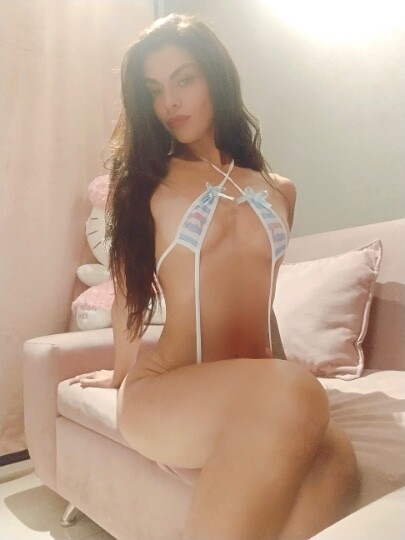
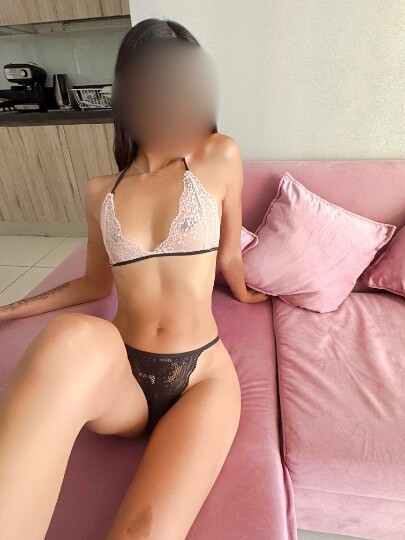
  11. Foto para ti mi amor lo hacemos en el sillón? ❤️‍🔥😘
  12. Fotito de ahora mi amor ❤️ Disponible tu flaquita caliente 🔥
  13. Soy tu diosa griega 😘📸 Disponible amor ♥️
  14. Ya reservando horas mi amor ❤️ Foto de regalo 💝
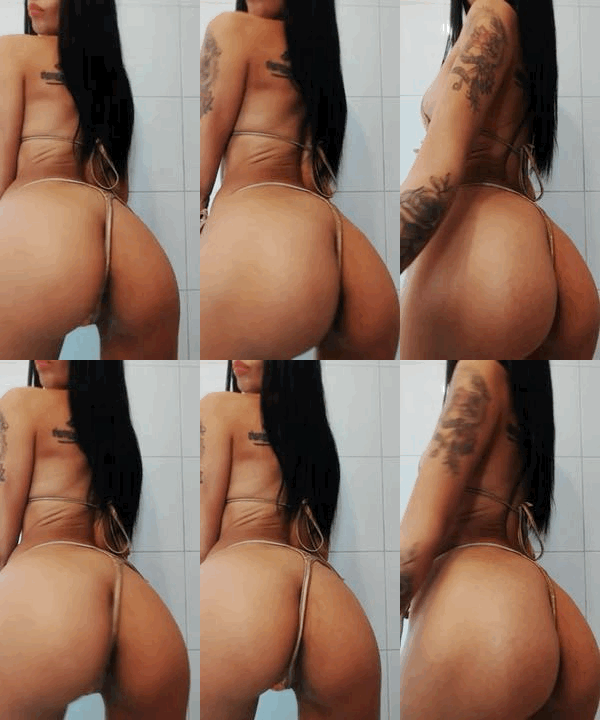
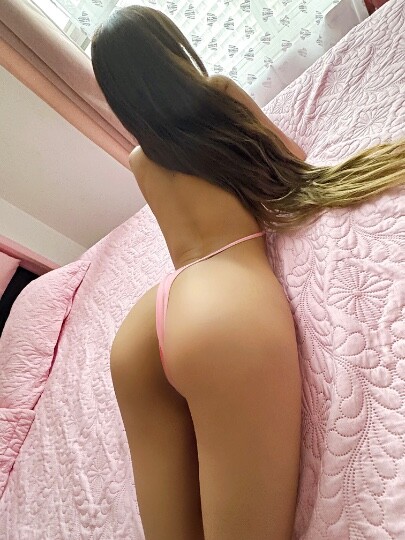
  15. Disponible amor ❤️ agendado horitas para hoy 😳 Ven por este durazno 🍑❤️‍🔥
  16. Buenos tardes mi amor ❤️ ya estoy disponible hoy desde más temprano. Viernes de maldades 😈🍆 mi amor un adelanto de mis fotos nuevas 📸🥰

Cuenta

Menu

Buscar
Buscar
Configure browser push notifications

Chrome (Android)
  1. Tap the lock icon next to the address bar.
  2. Tap Permissions → Notifications.
  3. Adjust your preference.
Chrome (Desktop)
  1. Click the padlock icon in the address bar.
  2. Select Site settings.
  3. Find Notifications and adjust your preference.